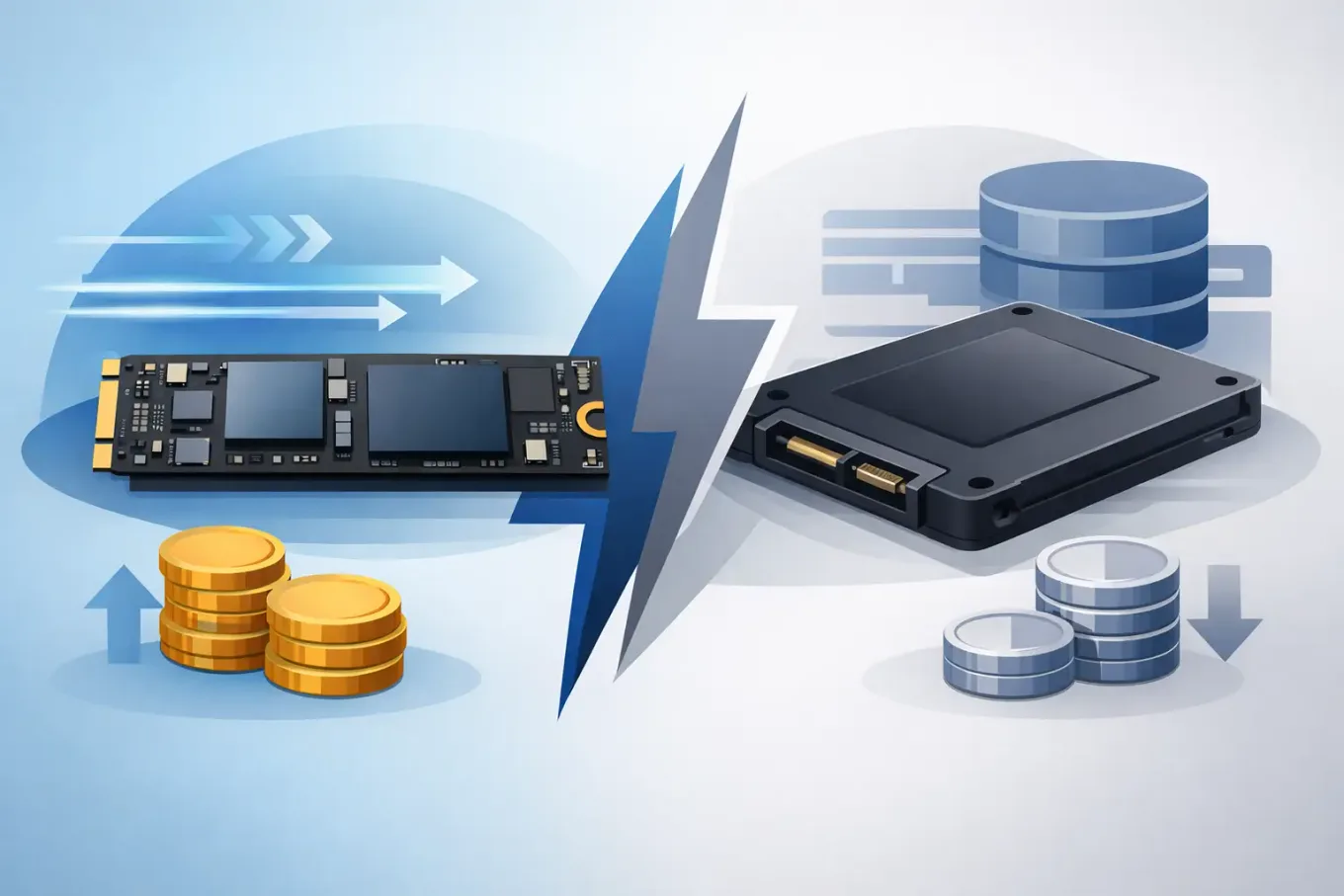
A 1TB NVMe drive can sometimes cost only a few pounds more than a 1TB SATA model. That makes NVMe versus SATA SSD look like an easy decision - buy the faster one. But the cheapest sensible option depends on what you are storing, what your PC supports and whether the extra speed will be noticeable in daily use. For a boot drive or modern gaming PC, NVMe is usually the stronger buy. For older machines, bulk SSD storage and straightforward upgrades, SATA can still make more financial sense.
The useful comparison is not simply the price on the product page. Compare like-for-like capacities, check the interface your device accepts, then look at the cost per terabyte alongside the job the drive needs to do.
NVMe versus SATA SSD: the practical difference
SATA SSDs use the same SATA connection as many 2.5-inch hard drives. Their maximum real-world sequential transfer speeds tend to sit around 500-550MB/s. That is far quicker than a mechanical hard drive and enough to make an ageing laptop feel significantly more responsive.
NVMe SSDs use the PCIe connection, normally through an M.2 slot on a desktop motherboard or laptop. Even a basic PCIe Gen 3 NVMe drive can reach several times SATA speed. Gen 4 models can be faster again, while Gen 5 drives target specialist high-performance systems.
That headline gap is real, but not every task is a long, uninterrupted file transfer. Opening documents, browsing the web and launching many everyday applications often feels broadly similar on a decent SATA SSD and a decent NVMe SSD. The difference becomes clearer when copying large video files, working with high-resolution media, compiling software, loading substantial game assets or moving data between fast drives.
Also, do not confuse M.2 with NVMe. M.2 describes the physical card shape. An M.2 SSD can use SATA or NVMe, and the two are not always interchangeable in every M.2 slot. Check the laptop manual or motherboard specification before ordering.
| Factor | SATA SSD | NVMe SSD | |---|---|---| | Usual form factor | 2.5-inch, occasionally M.2 | Usually M.2 | | Connection | SATA | PCIe / NVMe | | Typical top sequential speed | About 550MB/s | Roughly 3,000MB/s to 14,000MB/s+, depending on generation | | Best fit | Older PCs, simple upgrades, lower-cost secondary storage | New PCs, gaming, creative work, fast primary storage | | Compatibility | Very wide, including older desktops and laptops | Requires an NVMe-capable M.2 slot or PCIe adapter |
Start with compatibility, not the deal badge
A heavily discounted NVMe SSD is poor value if your machine has nowhere to install it. Most desktop PCs from the last several years have one or more M.2 slots, but older boards may only offer SATA ports. Many laptops accept a single M.2 drive, yet the supported length, interface and capacity can vary.
A 2.5-inch SATA SSD needs a SATA data port and power connector in a desktop. In a laptop, it needs a 2.5-inch bay and the correct cable or caddy, where applicable. This sounds basic, but storage listings often mix 2.5-inch SATA, M.2 SATA and M.2 NVMe products in the same search results.
For an upgrade, identify what is already fitted. If your laptop currently has a 2.5-inch hard drive, a SATA SSD is often the cleanest improvement. If it has an empty NVMe-capable M.2 slot, an NVMe drive may let you add fast storage without removing the existing drive.
Speed matters most for a primary drive
If you are buying one SSD for Windows, applications and current games, an NVMe model is normally worth prioritising when its £/TB is close to SATA. The operating system benefits from low latency, game updates install faster, and large transfers take less time. You also avoid buying into an older interface when building a new PC.
For gaming, though, avoid paying a large premium purely for benchmark numbers. Moving from SATA to a competent NVMe drive can improve loading behaviour in some titles, particularly newer games designed around faster storage. Moving from a good Gen 3 or Gen 4 NVMe drive to a costly flagship Gen 5 model usually produces a much smaller visible gain. A larger 2TB Gen 4 drive is often more useful than a smaller, premium-speed 1TB model once game libraries start to grow.
Creative workloads are more likely to justify the premium. Video editors handling large source files, photographers importing extensive RAW batches and people copying virtual-machine images can save meaningful time with NVMe. Even then, the whole chain matters: copying from a slow USB hard drive will still be limited by the hard drive and USB connection.
When SATA is still the better-value SSD
SATA is not obsolete. It is a sensible choice when compatibility decides the purchase, when a 2.5-inch bay is available but NVMe is not, or when you need inexpensive solid-state storage for files that do not need maximum throughput.
It can suit a home office PC holding documents and photos, a media library, an older desktop, or a second drive for less frequently played games. A SATA SSD is also quieter and more shock-resistant than a hard drive, which can matter in a portable setup.
The catch is pricing. SATA SSDs used to be the automatic budget choice, but NVMe prices have fallen enough that this is no longer guaranteed. At the same capacity, a SATA drive should usually be materially cheaper before accepting slower performance and a less flexible upgrade path. If a 1TB SATA model costs nearly the same as a 1TB NVMe equivalent from a reputable brand, the NVMe drive is generally better value for a compatible PC.
Capacity changes the calculation. At 4TB and above, SATA options can occasionally be competitively priced, especially where a device has limited M.2 slots. Compare the actual £/TB rather than assuming either interface wins. A low headline price on a 500GB drive can still work out more expensive per terabyte than a 1TB or 2TB alternative.
Compare £/TB, but do not ignore the drive behind it
Price per terabyte is the quickest way to spot whether a capacity tier is overpriced. Divide the current price by advertised capacity in terabytes: a £100 2TB SSD works out at £50/TB. When comparing listings, use the same usable category - internal SATA against internal SATA, or NVMe against NVMe - before deciding whether a deal is genuinely strong.
However, the cheapest £/TB SSD is not automatically the right purchase. Check these product details before treating it as a bargain:
- Whether it is new, used or refurbished, as condition changes the value calculation.
- The warranty length and whether the listing is sold by a recognisable retailer or marketplace seller.
- The stated endurance rating, particularly for frequent writes, project files or workstation use.
- Whether the drive includes DRAM cache, uses a budget controller, or has reviews reporting sustained-speed drops.
- The capacity after formatting and whether your device supports that size.
For most buyers, brand matters less than the full specification and price. Established names can still be overpriced, while lesser-known models can offer acceptable value for a secondary drive. For an operating-system drive containing important work, spending a little more on a well-supported model with a clear warranty is often sensible insurance.
Do not pay for a PCIe generation your PC cannot use
PCIe generations are backwards compatible in many cases, but a Gen 4 drive in a Gen 3 slot will run at Gen 3 limits. A Gen 5 drive in a Gen 4 system will not deliver Gen 5 performance. It may also cost more and run hotter than you need.
For a new mid-range PC, Gen 4 is often the sensible price-performance point. For an older Gen 3 machine, a good-value Gen 3 or discounted Gen 4 drive can be the right answer, provided the price is right. Gen 5 is most convincing for buyers with compatible hardware and workloads that genuinely move large files often.
Pay attention to cooling too. Fast NVMe drives can get warm during sustained writes. Some motherboards include M.2 heatsinks, while some drives include one that may not fit beneath a laptop cover or motherboard shield. SATA SSDs generally have fewer heat concerns.
The best choice by job
For a new gaming or general-use PC, choose NVMe first and aim for 1TB or 2TB, whichever delivers the better £/TB without leaving too little room for games and updates. For an old laptop that only accepts a 2.5-inch drive, choose SATA without hesitation - it is still a transformative upgrade from a hard drive.
For a large backup, neither SSD type is automatically the value winner. Hard drives usually provide far lower £/TB at high capacities, so an external HDD or NAS drive often makes more sense for photos, videos and duplicate backups that do not need SSD speed. Keep important data in more than one place; fast storage is not a backup strategy on its own.
For a PC with one M.2 slot already occupied, consider whether replacing a smaller NVMe boot drive with a larger one is better value than adding a SATA SSD. The answer depends on capacity prices, available ports and how much you value keeping the old drive in service.
The sensible buying rule is simple: buy SATA when your hardware requires it or when it is clearly cheaper per terabyte for a secondary-storage job. Buy NVMe when your system supports it and the price gap is small. Before checking out, compare the capacity you actually need rather than being distracted by the lowest headline price - storage that fills up within months is rarely the cheapest option.