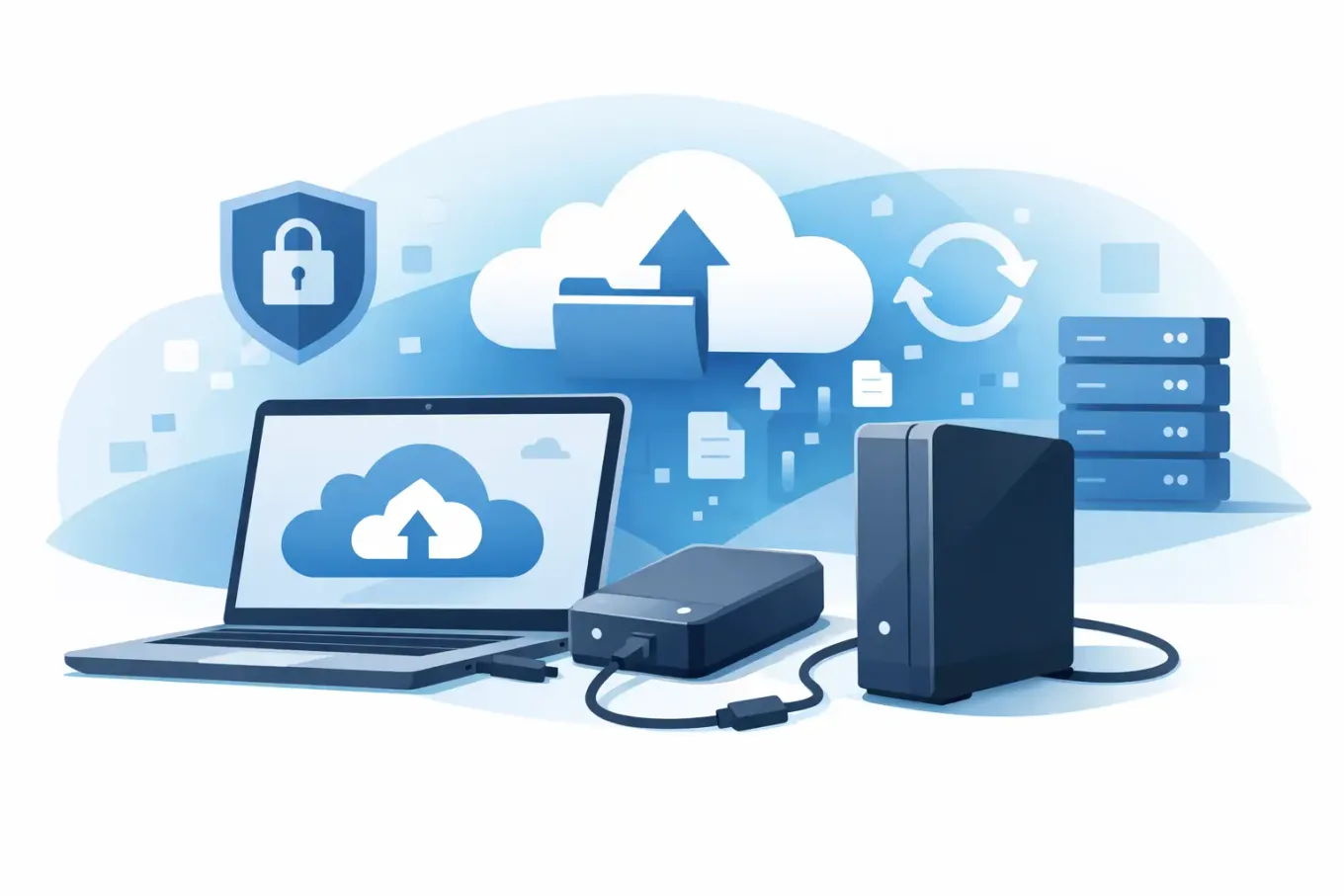
If you are shopping for the best external drive for backup, the wrong choice usually looks cheap at first and expensive later. A tiny portable SSD can be brilliant for speed but poor value for large photo libraries. A low-cost desktop hard drive can look unbeatable on £/TB, but it may be less convenient if you need something small enough to carry between home and work.
That is why backup shopping is less about finding one universally “best” drive and more about matching the right type of drive to the amount of data you need to protect, how often you back up, and what you are willing to pay per terabyte.
What makes the best external drive for backup?
For most buyers, the answer comes down to four things: capacity, price per terabyte, reliability, and convenience. Backup drives are not bought for bragging rights. They are bought to store files safely, run predictable backup jobs, and stay affordable enough that you actually buy the right size instead of squeezing years of data onto something too small.
Capacity matters first because backups grow faster than most people expect. A laptop with 512GB of internal storage does not mean a 512GB external drive is enough. Once you include previous file versions, phone photo dumps, family videos, game installs, and room for future growth, many people are better served by 2TB to 5TB at a minimum. Households backing up multiple devices often need far more.
Price per terabyte is the next filter. This is where buyers often save the most money. A drive with a lower headline price is not always the better deal if the capacity is too small. In storage, value usually becomes clearer when you compare £/TB rather than shelf price. That is especially true in the UK market, where pricing shifts frequently across capacities and form factors.
Reliability is harder to measure because no drive is failure-proof. Brand reputation helps, but backup strategy matters more than any logo on the casing. A single external drive is not a complete backup plan if the data matters. It is one copy. Ideally, important files should exist in at least two places, with one copy stored elsewhere or in the cloud.
Convenience rounds out the decision. Some buyers want a bus-powered portable drive they can plug into a laptop without a mains adapter. Others want a larger desktop drive that sits on a desk and offers better value at higher capacities.
HDD vs SSD for backup
The biggest decision is usually whether to buy an external HDD or an external SSD.
For large backups, external hard drives still win on value. If your main goal is to store lots of data for the lowest possible cost, HDDs remain the practical choice. They are slower, yes, but backup is often a background task. If the drive spends most of its life connected during scheduled backups and disconnected afterwards, speed is less important than capacity and cost efficiency.
External SSDs make more sense when speed, portability, and shock resistance matter. They are ideal if you move files often, travel with the drive, or back up a laptop while commuting between locations. They are also quieter and physically smaller. The trade-off is simple: you pay more per terabyte, sometimes a lot more.
For many buyers, the best external drive for backup is an HDD for bulk storage and an SSD only if portability or backup speed genuinely changes how you use it. If you are backing up 4TB of photos, videos, and PC files at home, an HDD is usually the value choice. If you are backing up a work laptop daily and want something pocket-sized, an SSD starts to look more sensible.
Portable or desktop external drive?
Portable drives are powered by USB and easy to move around. They are a natural fit for students, home workers, and anyone backing up a single laptop or PC. Most portable HDDs top out at smaller capacities than desktop models, though there are exceptions. Portable SSDs are even easier to carry and work well for frequent use.
Desktop external drives usually need mains power, but they tend to offer higher capacities and better £/TB. If your backup drive is going to live next to a router, PC, or home office setup, the extra cable is usually a small price to pay for more storage value. This is often the sweet spot for households with years of photos, media collections, or multiple computers to protect.
The practical question is not whether portable is better than desktop. It is whether the drive will actually travel with you. If not, desktop models deserve a serious look because the economics are often better.
How much capacity should you buy?
A good rule is to buy at least twice the amount of data you currently need to back up, and often more. Backup jobs become less useful when the drive is nearly full. You want room for growth, file history, and some breathing space rather than constant storage management.
If you currently have under 500GB of important data, a 1TB or 2TB drive may be enough. If you have a 1TB laptop plus photos and videos from phones or cameras, 2TB to 4TB is safer. For family archives, gaming PCs, or multi-device backups, 4TB, 5TB, 8TB and above are often more realistic.
This is where value comparisons help. Sometimes a 4TB drive is only marginally more expensive than a 2TB one but offers a much lower £/TB. Other times, the jump to a larger capacity is not worth it. The best buying moment is usually where capacity and £/TB are both sensible, not simply the cheapest product on the page.
Backup use case matters more than specs
If you are backing up family photos and documents once a week, you do not need premium transfer speeds. You need enough capacity, stable operation, and decent value. A straightforward external HDD is often the correct answer.
If you are a video editor, photographer, or anyone regularly copying hundreds of gigabytes, SSD performance saves time. The cost is higher, but so is the convenience. In that case, the faster workflow may be worth more than the difference in £/TB.
If you want a drive for a console, a PC, and general backup duties, the decision gets more mixed. Some buyers prefer one larger external HDD for everything. Others separate tasks - perhaps an SSD for active use and a larger HDD for archive backups. That costs more up front but can make the whole setup more efficient.
What to watch for when comparing drives
USB interface matters, but not always as much as product pages suggest. An external SSD can benefit from faster USB standards, while many external HDDs will not come close to saturating them. Paying extra for headline interface speed only makes sense if the drive itself can take advantage of it.
Build quality is worth checking on portable models. If a drive will be carried in a bag, used on the move, or connected frequently, casing quality and cable reliability matter. For home use, this is less critical than capacity and value.
Warranty is useful, but it should not be mistaken for data protection. Warranties replace hardware, not your files. That distinction matters. If the data is valuable, the backup plan matters more than the warranty length.
You should also pay attention to whether the drive suits your backup software and device setup. Most modern drives are straightforward, but formatting and compatibility can still affect Mac, Windows, and mixed-device households.
The value-first way to choose
A smart buying process is simple. First, decide whether you need HDD value or SSD speed. Then choose the capacity based on your actual data and expected growth. After that, compare drives by £/TB rather than by sticker price alone.
That last step is where many buyers avoid overpaying. A drive that looks expensive may actually be the better long-term purchase if it gives you more room and a lower cost per terabyte. Equally, a premium SSD may be poor value for a static home backup role where speed barely matters.
TerabytePrices is built around that exact problem: storage pricing makes more sense when you compare value directly, not when you guess from product names and promotional discounts.
So what is the best external drive for backup?
For most people, it is a mid-to-large capacity external HDD with strong £/TB and enough extra room for future backups. That is the practical default because backup is usually a capacity problem before it is a speed problem.
The better answer for some buyers is an external SSD, particularly if the drive will be carried daily, used across multiple locations, or asked to handle frequent large transfers. It costs more, but sometimes the convenience is the point.
The best purchase is the one that fits your backup habits well enough that you use it consistently. A perfect-spec drive that never gets plugged in is worse than a slightly slower, better-value drive that quietly protects your files every week.
Buy for the amount of data you will have next year, not just the amount you have today. That is usually where the real savings start.